Guide To Print In Color: Tips For Printing Documents And Photos
Understanding Color Printing Technologies
Color printing plays a vital role in producing vibrant, accurate, and professional-looking images and documents. To achieve optimal print quality, it's essential to understand the core technologies behind color printing. The two primary color models used in the printing industry are RGB (Red, Green, Blue) and CMYK (Cyan, Magenta, Yellow, Key/Black). Knowing how these models influence print output can help users troubleshoot issues and choose the appropriate settings for their projects.
RGB vs. CMYK: Core Differences
The RGB color model is designed for digital displays such as monitors, TVs, and screens. It combines red, green, and blue light to create a broad spectrum of colors that appear vibrant on electronic devices. When images are prepared in RGB for on-screen viewing, their colors can sometimes appear more saturated than what can be achieved in print.
On the other hand, the CMYK color model is tailored for physical printing. It works through the layering of cyan, magenta, yellow, and black inks on paper. Since inks have physical limitations, colors printed using CMYK often differ from their on-screen RGB counterparts. This difference can cause discrepancies in color accuracy if not managed correctly.
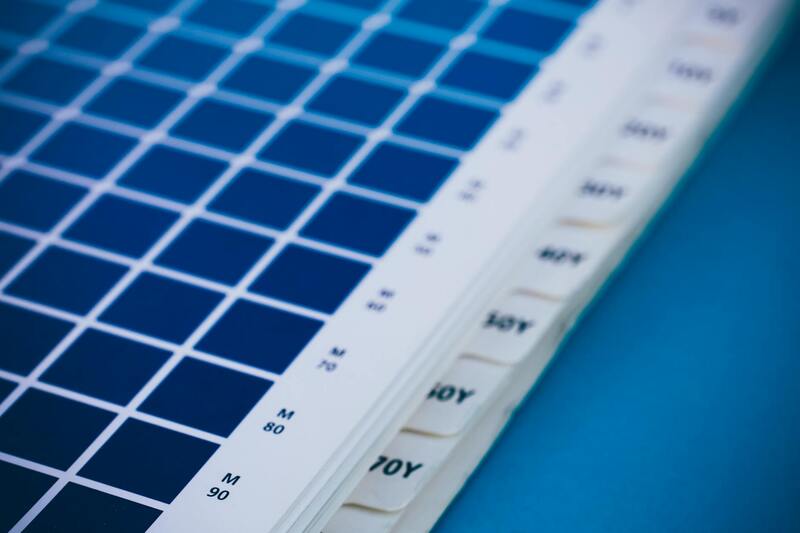
Impact on Print Quality and Color Accuracy
- Color Reproduction: The transition from RGB to CMYK requires color conversion, and this process can sometimes lead to a loss of vibrancy or color shifts.
- Color Gamut: RGB typically has a broader color gamut, allowing for more vivid colors on screens. CMYK's color range is more limited, especially for bright or neon shades.
- Printer Calibration: Proper calibration of printing devices ensures that colors are reproduced consistently and accurately across different mediums.
- Material and Ink Constraints: The type of paper and ink used can influence the final color output, affecting glossiness, saturation, and clarity.
Achieving Consistent Color Output
To ensure high-quality color prints, it is essential to manage the interplay between digital file preparation and printer settings. This includes selecting appropriate color modes, converting files correctly, and calibrating your printer regularly to match color standards.
When preparing files, always check whether your design software allows for color space conversions. For example, designs intended for print should be converted to CMYK before printing to approximate the final output more accurately. Additionally, soft-proofing in your design software can help visualize how colors will appear once printed, allowing adjustments before the actual print process.
Understanding the differences between RGB and CMYK, alongside proper setup and calibration, is fundamental to producing high-quality, color-accurate prints. Mastering these technical aspects empowers users to manage expectations and achieve professional results in various printing projects.
Understanding Color Printing Technologies
Effective color printing begins with a comprehensive understanding of the core technologies involved. Primarily, there are two dominant methods: inkjet and laser printing. Each employs distinct mechanisms for applying color and has specific advantages suited to different printing needs.
Inkjets and Laser Printers: The Fundamental Differences
- Inkjets: Utilize tiny nozzles to spray liquid ink directly onto paper. They excel at producing high-resolution images with smooth gradients and accurate color blending. Inkjet printers are preferred for photo printing and detailed graphics, thanks to their ability to render a wide color spectrum effectively.
- Laser Printers: Use a laser beam to form an electrostatic image on a drum, which attracts toner particles and transfers them onto paper. Laser printers are renowned for their speed, sharp text output, and cost efficiency for large-volume printing. While traditionally less versatile in color reproduction compared to inkjets, advanced laser models now offer richer color capabilities suitable for business and creative applications.
Color Reproduction: RGB vs. CMYK
An understanding of color spaces is instrumental in achieving accurate color printing. RGB (Red, Green, Blue) dominates digital screens but has a broader spectrum, allowing for vivid displays. When converting digital designs for printing, these RGB files are typically translated into the CMYK (Cyan, Magenta, Yellow, Black) color space—tailored specifically for print media.
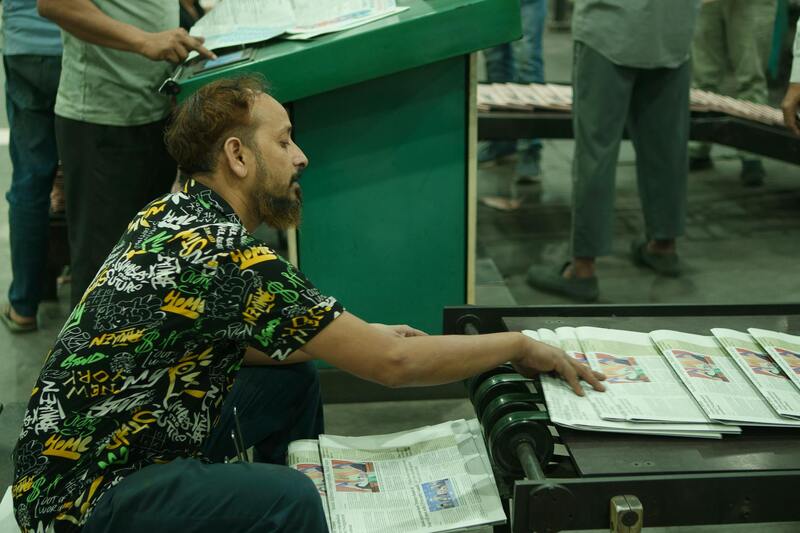
Calibration and Material Considerations
Maintaining color consistency entails regular calibration of the printing device. Proper calibration aligns the printer's output with color standards, minimizing discrepancies across different print jobs. Additionally, the choice of paper and ink impacts how colors appear—glossy or matte finishes, the weight of the paper, and ink quality all influence vibrancy, saturation, and overall image clarity.
Color Management Systems
Implementing color management protocols enhances the accuracy of color reproduction. Color profiles, embedded in files and printer settings, guide the software and hardware in producing consistent and predictable results. Soft-proofing options in design software allow previewing how colors will look once printed, facilitating necessary adjustments beforehand.
Optimization for Professional Results
To attain high-quality, color-accurate prints, it is crucial to set up both digital files and printers appropriately. This involves converting images to the correct color space, managing saturation levels, and ensuring that printer drivers are configured for optimal output. Proper setup reduces color shifts and enhances the vibrancy of printed materials, especially for images requiring precise color fidelity.
Understanding Color Printing Technologies
When aiming for vibrant, true-to-life images, it is essential to grasp the core principles behind different color printing technologies. The most prevalent methods include inkjet, laser, and digital presses, each utilizing distinct mechanisms to reproduce color. Inkjet printers employ microscopic nozzles to spray precise amounts of liquid ink onto paper, creating high-resolution images with smooth gradients and vibrant hues. They are typically favored for photo printing and detailed artwork due to their ability to produce a broad color gamut and subtle tonal variations.
Laser printers, on the other hand, use a laser beam to attract toner particles onto a drum, which are then transferred onto paper through heat and pressure. While traditionally associated with monochrome output, color laser printers combine multiple toner cartridges—cyan, magenta, yellow, and black—to produce a range of hues. They are renowned for their speed and high-volume capacity, making them suitable for professional environments requiring consistent color output with sharp, precise lines.
Digital presses are specialized equipment used mainly by commercial print shops. They incorporate advanced color management systems and high-quality inks or toners to ensure color accuracy across large print runs. These machines often support complex color profiles and can match specific Pantone shades, crucial for branding requirements. Understanding these technologies enables users to select the appropriate device based on desired output quality, volume, and color fidelity.
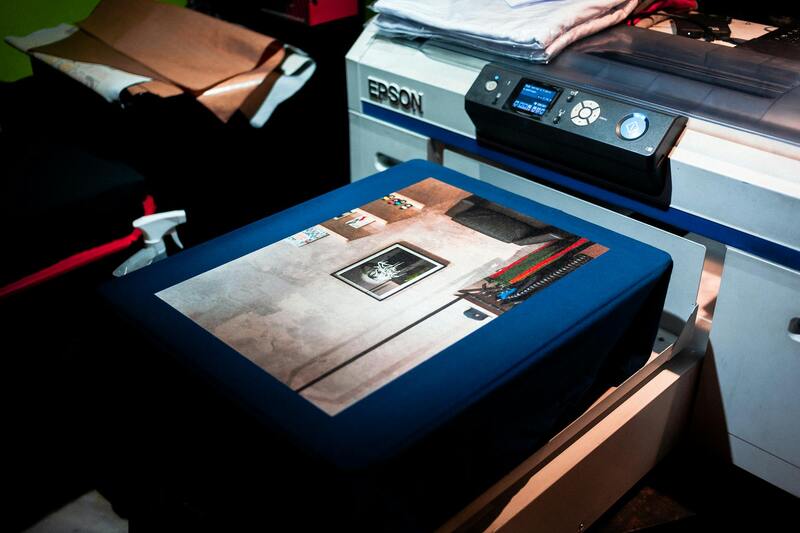
Color Reproduction and Calibration
The key to vibrant and consistent color prints lies in proper calibration and management. All printers must be regularly calibrated to ensure that print outputs match digital designs as closely as possible. Calibration involves adjusting the printer's color settings, including color profiles and ink or toner density, to align with recognized standards such as sRGB or Adobe RGB. This process minimizes color shifts, ensuring the hues remain true across different batches and paper types.
Color management systems (CMS) play a vital role by embedding color profiles into digital files. These profiles communicate color intents to printers, guiding adjustments for hue, saturation, and brightness. By soft-proofing images within design software, users can see how colors will appear post-printing and make necessary modifications before actual production. Such careful preparation enhances color accuracy, preventing surprises in the final output.
Material and Ink Considerations
The selection of printing materials significantly impacts the vibrancy and endurance of colors. Glossy and semi-gloss papers tend to enhance saturation and provide a lustrous finish, making colors appear more vivid. Matte papers offer a subdued, refined look, reducing glare but potentially dulling some hues. The weight and texture of paper can also influence color appearance, with thicker stock providing better color absorption and stability.
Consistent color results require compatible inks and toners optimized for specific papers. High-quality inks generally feature better pigmentation and resistance to fading, ensuring colors stay vibrant over time. When choosing inks, consider inks that are designed to complement your selected materials for the best results.
Understanding Color Printing Technologies
Achieving accurate and vibrant color output begins with a comprehensive understanding of the core printing technologies available today. The primary methods include inkjet, laser, and dye-sublimation printing, each utilizing distinct processes to produce color images. Inkjet printers, favored for their precision and ability to handle a variety of media, spray tiny droplets of liquid ink directly onto paper, allowing for detailed and high-resolution color reproductions. Laser printers, on the other hand, employ a toner-based process involving static electricity and heat, which fuses powdered pigment onto paper. While laser printers excel in speed and text sharpness, they can also produce high-quality color images when configured correctly and equipped with the proper toners.

In recent years, dye-sublimation printing has gained popularity for applications requiring continuous-tone images, such as high-quality photographs and merchandising displays. This process utilizes heat to transfer dye onto a substrate, producing vibrant and durable colors that are often resistant to fading. Each technology is compatible with different types of media and serves specific purposes, so selecting a method aligned with your end goals is essential for optimal results.
Color Management Systems and Their Role
Integral to all modern color printing systems is a color management framework that ensures consistency and accuracy across devices and media. Color profiles, embedded within digital files, communicate the desired hues to the printer, guiding the hardware to reproduce colors precisely according to standardized color spaces like sRGB or Adobe RGB. By soft-proofing images prior to printing, users can emulate how colors will look once printed and make necessary adjustments, avoiding surprises. Printer-specific drivers also offer calibration options, enabling fine control over saturation, hue, and brightness. Proper calibration and consistent use of color profiles help maintain color fidelity, especially when printing batch jobs across different media types.
Factors Influencing Color Output
- Type of Media: Glossy, semi-gloss, matte, and textured papers each interact differently with ink and toner, affecting vibrancy and hue rendition. Glossy surfaces tend to enhance saturation, making colors appear more vivid, whereas matte finishes reduce glare but may dull certain shades.
- Inks and Toners: High-quality, pigmented inks generally offer better color richness and resistance to fading. It is vital to match inks or toners compatible with your media type to achieve consistent results.
- Printer Calibration: Regular calibration aligns your device’s output with color standards, ensuring reliability over time. This process often involves printing test sheets and adjusting the printer settings accordingly.
- Light and Viewing Conditions: The apparent vibrancy of printed colors can change based on ambient lighting and viewing angles. Proper lighting conditions accentuate color depth and fidelity.
Understanding these technical aspects and maintaining proper calibration, media selection, and profile management are crucial for producing print in color that meets professional standards. Each element contributes significantly to achieving accurate color reproduction, whether for marketing materials, fine art, or personal projects.
Understanding Color Printing Technologies
Producing vibrant and accurate color prints requires a comprehensive understanding of the underlying printing technologies. There are two primary methods used in professional color printing: inkjet and laser printing. Inkjet printers work by propelling tiny droplets of liquid ink directly onto paper, allowing for detailed color reproduction and smooth gradations. Laser printers, on the other hand, utilize a toner-based process where powdered toner is fused onto the paper through heat, resulting in sharp and consistent images suitable for high-volume printing.
Each technology has specific advantages related to color fidelity, vibrancy, and media compatibility. Inkjet printers excel at handling a wide range of media types, including fine art papers, textured surfaces, and photographic prints, making them ideal for delicate color work that demands nuanced color gradients. Laser printers typically provide faster output with durable prints, often used for marketing materials, where color accuracy and print longevity are essential.
Furthermore, the quality of color output depends heavily on the printer’s ability to handle color profiles and calibration. Calibration ensures that the colors represented on the screen closely match those in the printed result, which involves adjusting the printer settings and periodically printing test patterns. Proper management of color profiles—especially ICC profiles—allows for consistency across different media and devices, making it easier to achieve predictable results.
In professional settings, hybrid approaches are often employed, combining high-quality inkjet printers for detailed artwork and color work with laser printers for rapid, high-volume production. Advances in print head technology, ink formulations, and media handling continue to push the boundaries of color reproduction, enabling print professionals to deliver results that meet exacting standards.
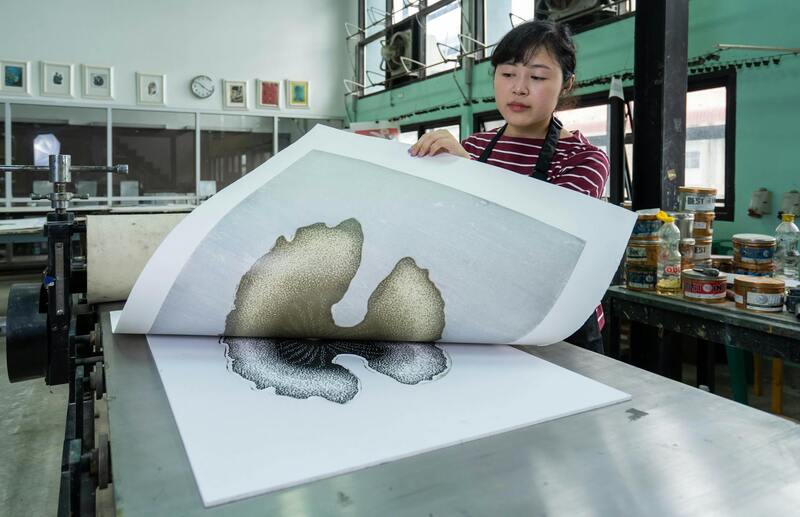
Choosing the right color printing technology involves assessing the specific needs of your project, including color accuracy, media type, volume, and durability. Standardized color management practices, such as using color profiles and maintaining consistent calibration, are essential for achieving reliable and vibrant color output across various printing jobs.
Key Components of Color Printing Technology
- Print Heads: Precision nozzles that deposit ink or toner onto media, critical for detailed color reproduction.
- Inks and Toners: Pigmented and dye-based inks contribute differently to color richness and durability, influencing vibrancy and longevity.
- Media Handling: Media type affects color saturation and gloss, with options ranging from matte to high-gloss finishes.
- Color Management Software: Ensures correct color rendition through profiling and calibration, maintaining consistency across prints.
Understanding these components and how they influence color output empowers users to select the appropriate technology and optimize their print settings for perfect results.
Ensuring Proper Color Output Through Official Printer Settings and Configuration
Achieving vibrant and accurate colors in your print projects relies heavily on the deliberate configuration of your printing hardware and software. The most dependable way to secure consistent color reproduction involves adjusting the printer's official settings and understanding the essential options within print drivers and software interfaces. These settings, when correctly configured, guarantee that your digital designs translate accurately onto physical media, maintaining the integrity of your intended color palette.
Accessing and Adjusting Printer Drivers
Begin by opening the printer properties through your operating system's control panel or print dialog. This interface provides a range of options dedicated to color management. Navigating to the relevant tab or section typically leads to settings such as:
- Color Mode: Selecting 'Color' rather than 'Black & White' or 'Grayscale' ensures the printer processes and reproduces color data.
- Color Management: Adjust or disable built-in color adjustments if you prefer to handle color profiles externally within design applications.
- Color Profiles: Choose ICC profiles that match your media type and desired output characteristics for optimal color fidelity.
Printer Settings for Color Consistency
Most printers incorporate a set of dedicated controls accessible via the manufacturer's driver interface. These controls often include:
- Media Type: Ensuring the media type is correctly specified affects ink absorption and gloss, which influence color vibrancy.
- Print Quality: Higher quality settings generally yield richer colors, albeit at the expense of speed.
- Color Calibration and Color Correction: Some printers offer built-in calibration routines and color correction options. Regular calibration maintains color accuracy over time.
Utilizing External Color Management Solutions
For projects demanding precise color matching, integrating external color management software is highly recommended. These tools offer advanced control over color profiles, monitor calibration, and print proofing, ensuring the colors you see on screen closely match your printed output. Employing standardized ICC profiles ensures consistency across different devices and media types, critical in professional workflows.
Document and Media Preparation
Before printing, prepare your digital files by embedding ICC color profiles directly into your images and documents. Always choose media that complements your desired color output; high-quality, coated papers often enhance color vibrancy and clarity. Confirm that your print settings align with your media choice to prevent undesired results such as muted Blacks or oversaturated colors.

By following these procedures, you leverage your printer’s built-in capabilities and software features to ensure your printed colors are both accurate and consistent. Remember that regular calibration, media selection, and adherence to manufacturer guidelines are vital components of professional color printing. This disciplined approach guarantees that every print reflects your digital design’s full color potential, making your visual projects stand out with clarity and vibrancy.
Understanding How to Achieve Accurate Color Printing
Color printing can be a complex process influenced by numerous factors, including printer hardware, software configurations, media choice, and calibration practices. The goal is to faithfully reproduce digital colors onto physical media, ensuring vibrancy, consistency, and accuracy. Recognizing the true capabilities of your printer and the best practices in preparing files and settings are essential for optimal color output.
Official Methods to Print in Color
To produce high-quality color prints, adhere to the following proven procedures:
- Printer Firmware and Driver Updates: Regularly update your printer’s firmware and driver software from the manufacturer’s official sources. These updates often include enhancements for color management, bug fixes, and performance improvements that directly impact print quality.
- Proper Printer Calibration: Use built-in calibration tools or external color calibration devices to ensure your printer’s color output matches standard profiles. Calibration involves printing test pages, analyzing color discrepancies, and adjusting settings to correct inaccuracies.
- Utilize Correct Media Types and Settings: Select media that are designed for color printing, such as high-quality coated paper or photo paper. Set your printer to match the media type, which influences ink absorption and color vibrancy.
- Color Management and ICC Profiles: Implement ICC profiles that are compatible with your printer and media. Embedding these profiles into your digital files ensures consistent color reproduction across different devices and media types.
- Printer Color Settings Configuration: Access your printer’s properties via the print dialogue and set the color mode to 'Color' rather than 'Black and White'. This option is often found under advanced settings or color management menus.
- Consistent Use of Color Swatches and Test Prints: Before final printing, perform test prints using color swatches and samples to verify accuracy, making adjustments as needed.
Leveraging Software Settings for Color Accuracy
Most printing software, including popular office suites and graphic design tools, offers robust color management options. Here are steps to optimize these settings:
- Set Color Management Policies: Configure your software to prioritize embedded color profiles and avoid conversions that may dull colors.
- Choose the Correct Color Profile: Select ICC profiles that match your print media and printer model to maintain color consistency.
- Enable Rendering Intents: Use the rendering intent that best suits your project—perceptual for photo prints or relative colormetric for color matching.
- Monitor Color Profiles During Editing: Use color-calibrated monitors to ensure what you see on screen approximates the printed output.
Preparing Digital Files for Superior Color Output
File preparation plays a critical role in achieving accurate color reproduction. Follow these official recommendations:
- Embed ICC Profiles: Embed the appropriate ICC color profiles within images and documents to preserve color information during printing.
- Use High-Resolution Images: Higher resolution images retain color detail and vibrancy, ensuring prints are sharp and vivid.
- Consistent Color Workflow: Maintain a consistent color management workflow from digital creation to printing, avoiding conversions that compromise color fidelity.
- Choose Suitable File Formats: Use formats like TIFF or PDF that support color profiles rather than compressed formats like JPEG, which may degrade color information.
- Preview and Proofing: Always preview your document and, if possible, run test prints with color swatches to identify potential issues prior to final printing.
Advanced Methods for Reliable Color Printing
For professionals and those requiring exact color matching, additional techniques are employed:
- External Color Management Systems: Integrate software solutions that provide comprehensive control over color profiles, monitor calibration, and proofing for consistent results across multiple devices.
- Color Profiling and Calibration Services: Use certified profiling services that establish precise color profiles tailored to your specific printer and media batch.
- Color Proofing and Soft Proofing: Simulate printed colors on screen to identify and correct mismatches before printing on physical media.
Practical Tips for Achieving Accurate Color Prints
To ensure vibrant and true-to-source color output, standard practices need to be meticulously followed throughout the printing process. Awareness and management of color workflows and settings are vital for professionals and enthusiasts alike. Here are key methods to secure optimal color reproduction:
- Embed ICC Profiles: Incorporate ICC color profiles within your digital files to communicate precise color information to your printer. This step helps in maintaining consistency between your digital image and the printed result, especially when switching between different devices or media.
- Use High-Resolution Files: High-resolution images (generally 300 dpi or higher) prevent pixelation and maintain detail and vibrancy. Sharp, detailed images translate into crisp and vivid prints, capturing subtle color gradations accurately.
- Maintain a Consistent Color Management Workflow: From capture to print, ensure your color management practices are streamlined. Use suitable software calibrated with your printer and monitor, and avoid unnecessary conversions that can distort color fidelity.
- Select Appropriate File Formats: Opt for formats such as TIFF and PDF, which support embedded color profiles, as opposed to compressed formats like JPEG that may compromise color accuracy. Using the right formats safeguards the integrity of color data throughout the workflow.
- Preview and Proof: Always utilize print preview functions and consider making test prints. Color swatches or calibration sheets can help identify potential inaccuracies before committing to large or final print runs.
Advanced Techniques for Color Consistency
For critical color matching and professional printing, supplementary methods enhance reliability and precision:
- External Color Management Systems (CMS): Integrate dedicated software solutions that provide extensive control over color profiles, monitor calibration, and proofing processes. These systems facilitate consistent results across multiple devices and media batches.
- Color Profiling and Calibration Services: Engage with certified profiling services to generate tailored color profiles. Proper calibration aligns your printer, media, and software, ensuring predictable and repeatable color outcomes.
- Color Proofing and Soft Proofing Techniques: Simulate printed colors on your display to anticipate final output. Soft proofing allows for adjustments before printing, greatly reducing wastage and ensuring alignment with your desired results.

Implementing These Strategies
Applying these practices systematically transforms your color printing capabilities. Regular calibration of your display and printer, coupled with diligent file preparation, results in high-quality prints that accurately reflect your digital colors. Remember, the key lies in a thorough understanding of color workflows and the careful management of each step in the process.